

I get emails every week from people who want to start an online business, a blog, or a YouTube channel. They all ask the same question: “What is the very first thing I should do?”
My answer is always the same, and it’s usually not what they want to hear.
I tell them: Start an email list today.
Usually, the response is panic. “But I don’t have a website yet!” or “I don’t have anything to sell!” or the most common one, “I’m not a tech person, I don’t know how to set that up.”
I understand the fear. When I started my first list, I spent three days crying over a WordPress plugin that refused to connect to my email form. It felt like I needed a degree in computer science just to collect an email address.
The landscape has changed drastically by 2026. The tools are smarter, and the process is simpler. If you can send a regular email, you can build an email list.
Here is the exact, fluff-free blueprint for starting an email list from absolute zero, specifically designed for people who hate dealing with complicated tech.
Step 1: Pick a Tool Where You Can Talk to a Human
The biggest mistake beginners make is choosing an email platform based on what massive tech companies use. You don’t need a complex CRM with predictive AI modeling right now.
You need two things: a tool that is hard to break, and a tool that has real humans available to help you when you inevitably get stuck.
Please, do not try to use your personal Gmail account to BCC a hundred people. Your account will get banned for spam faster than you can blink. You need a dedicated Email Service Provider (ESP).
I recommend AWeber for absolute beginners. Why? Because they have 24/7 live chat support.
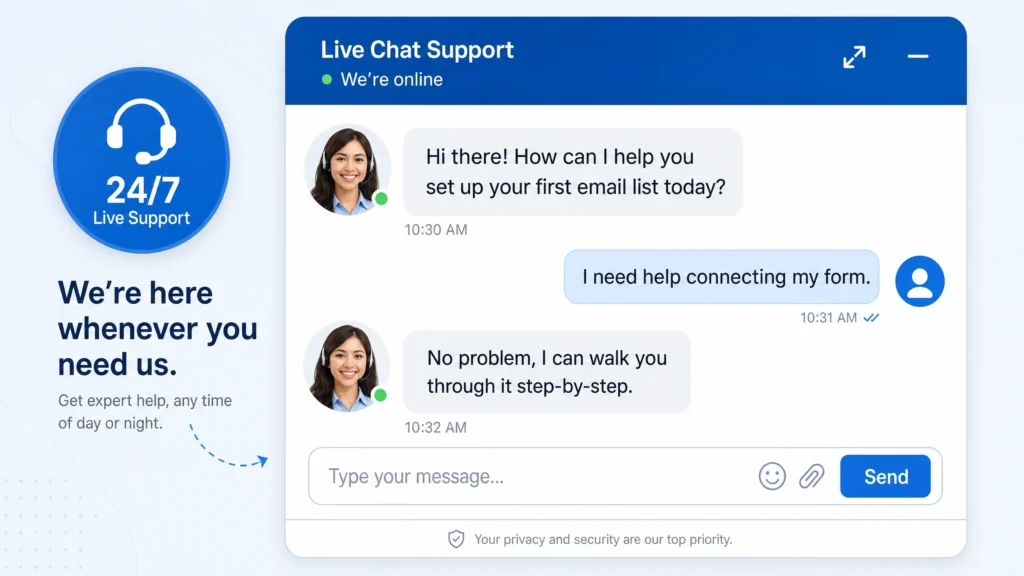
When you are sitting at your computer at 10 PM trying to figure out why your form looks weird, you don’t want to submit a support ticket and wait 48 hours. You want to click a chat bubble and have someone named Sarah walk you through it. That safety net is invaluable.
You can set up a completely free AWeber account here to follow along with the rest of this guide.
Step 2: The “Bribe” (Creating Your Lead Magnet)
Nobody wakes up and thinks, “I really hope I get more newsletters today.”
People guard their email addresses. To get one, you have to offer a trade. In marketing speak, this is called a Lead Magnet. I prefer to call it an ethical bribe.
Don’t overthink this. The worst thing you can do is spend a month writing a 50-page ebook. Nobody reads those.
The best lead magnets solve one tiny, annoying problem in less than five minutes.
- Are you a fitness coach? Offer a “1-Page Grocery Store Survival Checklist.”
- Are you a finance blogger? Offer a “Simple Monthly Budget Spreadsheet.”
I use Canva (which is free) to make a simple, nice-looking PDF. Export it, save it to your computer. That’s it. You have your bribe.
Step 3: The Digital Billboard (Your Landing Page)
Now you need a place for people to actually type in their email address to get the PDF.
If you don’t have a website, this is where AWeber shines. They have a landing page builder built into the free account.
Go to “Pages & Forms” -> “Landing Pages” and pick a template.
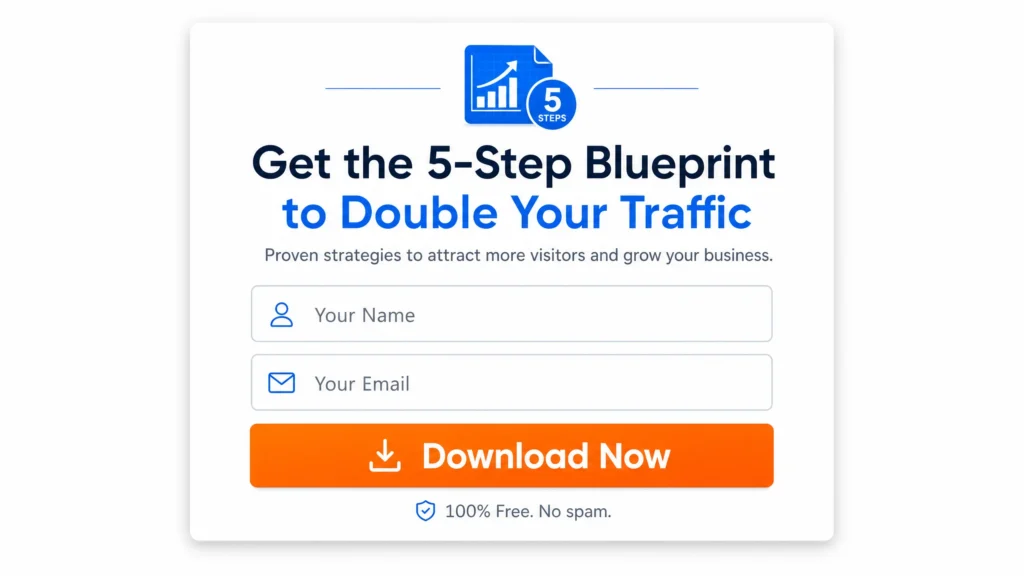
Here is my exact formula for the page text:
- Big Bold Text (Headline): “Get the [Name of Your PDF] for Free.”
- Smaller Text (Subhead): “Enter your email below and I’ll send it to you instantly.”
- The Form: Just ask for the email. Asking for their first and last name drops your conversion rate. Keep it frictionless.
Hit publish. AWeber gives you a live link. You are now officially ready to collect emails.
Step 4: The Delivery Boy (Automating the Welcome Email)
When someone types in their email, you don’t want to have to manually attach the PDF and send it to them. You want to be asleep when that happens.
In AWeber, you set up a “Campaign.” This is just a fancy word for an automated email.
Create a new campaign that triggers when someone signs up on your new landing page. Write a simple email:
“Hey! Thanks for requesting the checklist. You can download it right here: [Link to your PDF]. Over the next few weeks, I’ll be sending you some more tips on [Your Topic]. Talk soon!”
Upload your PDF directly into AWeber’s file manager, link it in the email, and turn the campaign on.
Step 5: Shout It From the Rooftops
You have a link. You have an automated delivery system. Now you just need eyeballs.
Take that landing page link and put it everywhere.
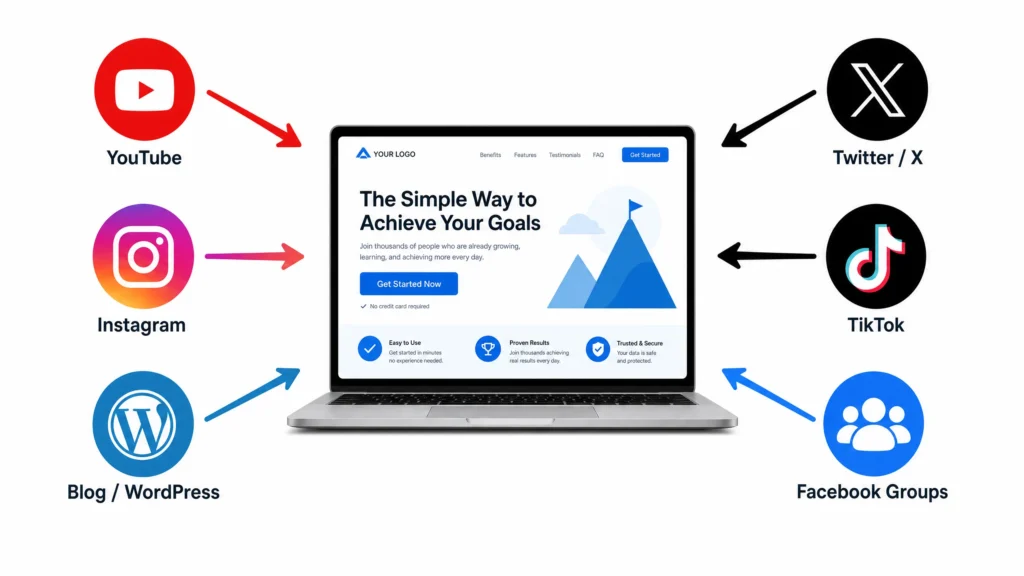
Put it in your Instagram bio. Make it your pinned tweet. Put it in the description of every YouTube video you ever make. If you are in a Facebook group where people are asking questions about your topic, answer their question thoughtfully, and then say, “I actually made a free checklist about this, you can grab it here.”
Getting the first 100 subscribers is a grind. It requires manual effort. But once you cross that threshold, momentum takes over.
Stop letting the fear of technology delay your business. Grab your free AWeber account , make a simple PDF, and get your landing page live today. You’ll thank yourself a year from now.